


Play971 Login and Registration
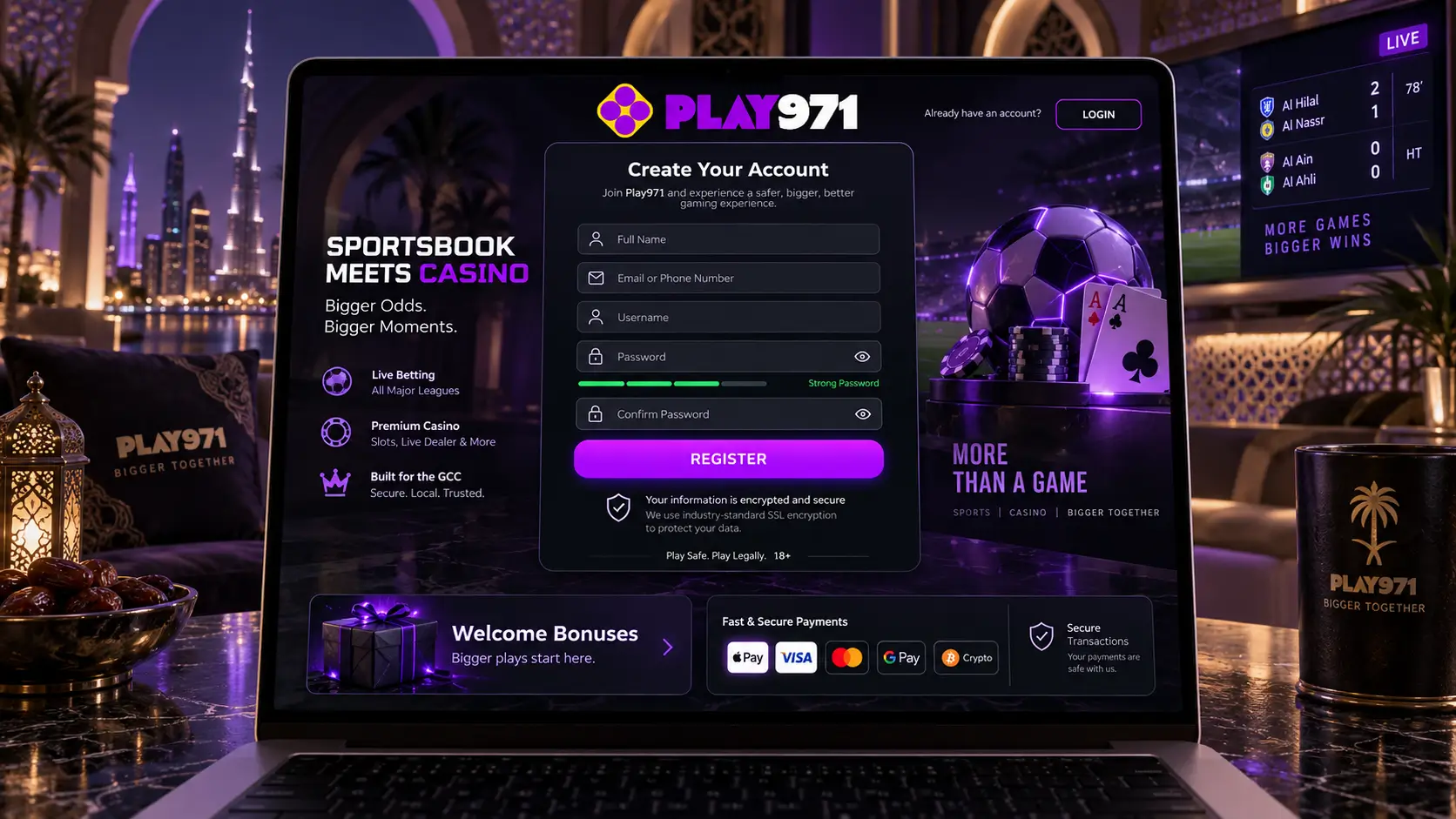
Think of a Play971 account as a door with three locks. The first is your Emirates ID, which proves who you are. The second is your location, which proves you’re inside the UAE. The third is your password, the only one you choose yourself. All three have to open before the lobby or the sportsbook will load. Miss one and you’re stuck outside. This guide covers each lock, from creating the account to getting back in when something goes wrong.
The rules behind those locks come from the GCGRA licence the platform operates under. Players must be at least 21, must be physically in the country whenever they play, and must verify with the Emirates ID alone.
How to Create an Account
Registration is a single short form followed by an identity upload. The table shows each stage and the snag people most often hit there.
| Stage | What you provide | Common snag |
| Contact details | An inbox you check and a phone you carry | One wrong letter in the address, so nothing ever reaches you |
| Password | Something unique to this account | Reusing a password from another site |
| Declarations | Confirmation of age and location | Location switched off on the device |
| Identity | Photos of both sides of your Emirates ID | Blurred or partly cut-off images |
| Review | Nothing, you just wait | Closing the page before it finishes |
Approved? Then the account opens with a zero balance and the cashier becomes available. Other documents won’t be accepted at any stage, so a passport or driving licence can’t substitute for the ID. Operator employees and their relatives are barred from registering, and so are residents of sanctioned countries.
One tip saves time later. Register with an email address and mobile number you expect to keep. Both are used when you need to recover access, and changing them after the fact is more hassle than getting them right at the start.
How to Log In
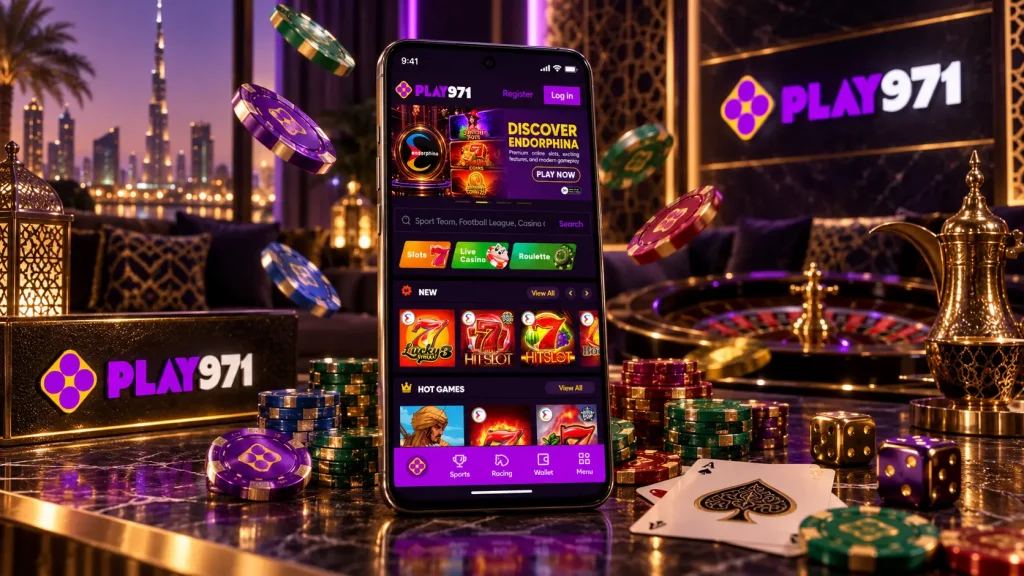
Two routes lead to the same account. Pick whichever you remember better:
- The email route, for anyone whose inbox is always open
- The phone route, for people who know their number by heart but not their address
The password is the same on both.
After you submit, the platform checks where your device is before opening the account. That step repeats at every login, on every device you use. If the check can’t confirm you’re in the UAE, usually because location services are disabled, you’ll see a message asking you to enable them, and nothing else will load until you do.
Staying signed in is handy on a personal phone. Not on a shared one, and never on a public computer. Logging out properly at the end of a session there takes two seconds and protects your balance.
Password Recovery and Account Access
Locked out? Different problems call for different fixes, so start by identifying which one you have.
| Situation | What to do |
| You’ve forgotten your password | Use the recovery link on the login page and follow the message sent to your email or phone |
| The recovery message hasn’t arrived | Look in your junk folder and confirm you entered the details you registered with |
| You no longer use the email or number on file | Contact support, who will need to confirm your identity |
| Login works but the site stops at location | Enable location services for the device and the browser |
| A time-out or self-exclusion is active | Wait until the period ends, since resetting the password won’t lift it |
Requesting several recovery messages one after another can cancel the earlier ones, so give each a couple of minutes before asking again.
Verification and Account Security
One review, then done. The ID card you uploaded at sign-up is the whole of the paperwork in normal circumstances, and the operator only returns with questions if something unusual crops up on the account. Compare that with offshore sites that ask for bank statements, utility bills and selfies at every withdrawal.
Security after that is largely in your hands. Most account takeovers at any online service happen through reused passwords or through someone tricking the owner into handing over a code, rather than through any technical flaw. A few habits close those gaps:
- Store a long, unique password in a password manager rather than your memory
- Treat any message asking for your password or a one-time code as a scam, whoever it claims to be from
- Reach Play971 by typing the address yourself instead of tapping links in texts or adverts
- Update your email and phone number in the account whenever either changes
Mobile Login and Support
On a phone, signing in works the same way through the browser. A quick pre-flight check avoids most failed attempts:
- Location services on at the system level
- The browser allowed to use that location
- A signal strong enough to load the page fully
- The official site open, not a link someone sent you
Then it’s routine. Android users open the site in Chrome and iPhone users in Safari. If you’ve pinned the site to your home screen, the icon opens it in its own window, often already signed in. Either way, the phone’s location setting and the browser’s permission to use location both need to be on. There’s no app to install from any store and no APK file, so anything offering a Play971 login app isn’t from the operator.
Support is reachable around the clock through live chat and email, in English and Arabic. It’s the right place for access problems that recovery doesn’t solve, identity reviews that seem slow, or questions about limits and self-exclusion. Have your registered email or number ready so they can find your account quickly.
Only adults aged 21 or more may hold an account, and only while they’re within the Emirates. Choose a deposit ceiling before your first top-up, end sessions when you said you would, and talk to support or to Takalam’s counsellors if the balance of fun and stress tips the wrong way.